For the exchange between 2 ingenious.V12 databases, project documents including linked information such as positions, project addresses, history, payments, documents & dates, file attachments, inventory postings, order picking, document assignment and user fields can be exported and imported in XML format. The inventory of the items linked to the imported items is then updated.
Export
The API Tool_XML_Export_Projects can be started with 3 optional variables:
| vbSelectOrder |
| ||||
| vsExportPath |
| ||||
| vbExportPartListVersions |
|
1. Export of manually selected projects
| Export of manually selected projects |
Copy Code |
|---|---|
vbSelectOrder:=True vsExportPath:="D:"+<>PathSep+"Projects-Interface"+<>PathSep Tool_XML_Export_Projects sys_ShellExecute ("open";vsExportPath;"";"";SW_SHOWNORMAL) | |
To export the projects from the project list, the script must be created as a stored script and assigned to a project list.
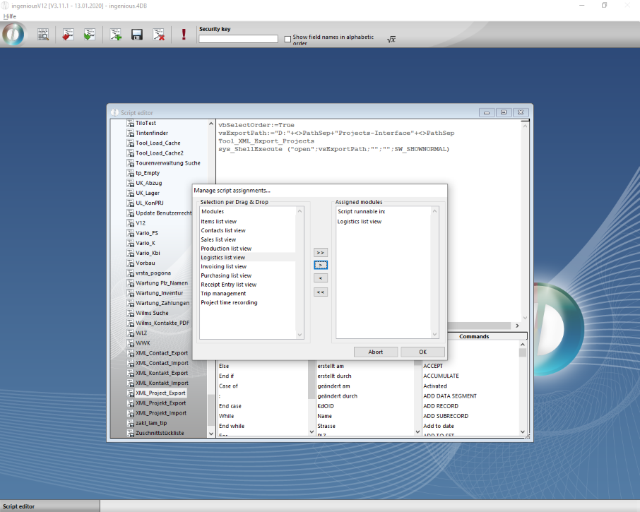
Script assignment for projects XML export
In the project list, all required data records are to be marked for export and the export can be started via the entry "XML_Project_Export" (according to the name under which the script was created).
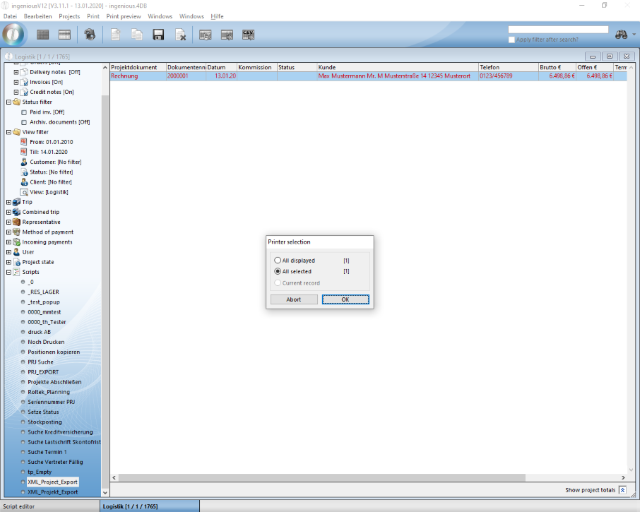
Selection of the projects to be exported
The export folder is then opened in accordance with the call "sys_ShellExecute (" open "; vsExportPath;" ";" "; SW_SHOWNORMAL)". The exported data records were created.
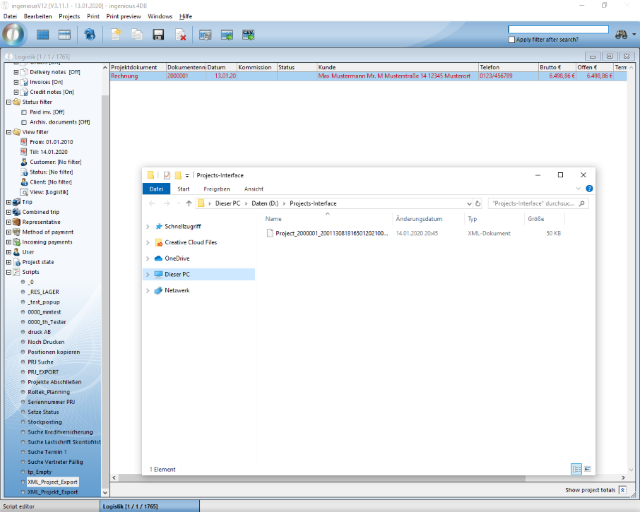
Exported project records
2. Export projects via script search
The project XML export can alternatively be started directly in the script module. Here you must explicitly specify which projects are to be exported.
| Project export via script search |
Copy Code |
|---|---|
vbSelectOrder:=False QUERY([Projekte];[Projekte]Status=2;*) QUERY([Projekte]; & ;[Projekte]Gedruckt am>Add to date(!00.00.0000!;2019;1;1)) vsExportPath:="D:"+<>PathSep+"Projects-Interface2"+<>PathSep Tool_XML_Export_Projects sys_ShellExecute ("open";vsExportPath;"";"";SW_SHOWNORMAL) | |
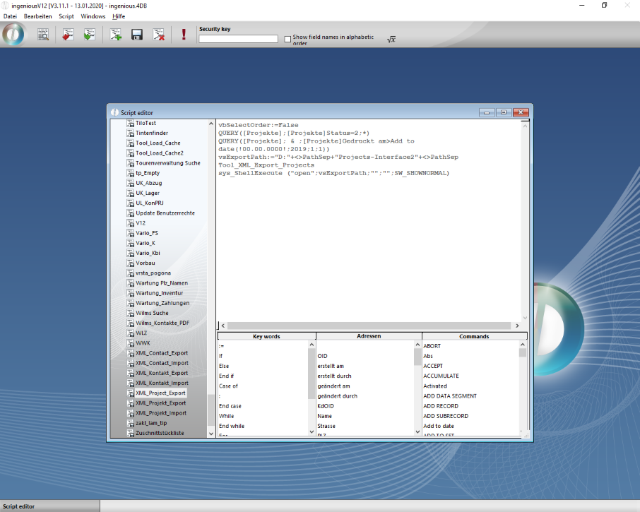
Script for the direct export of projects
The exported data records are written to the specified folder.
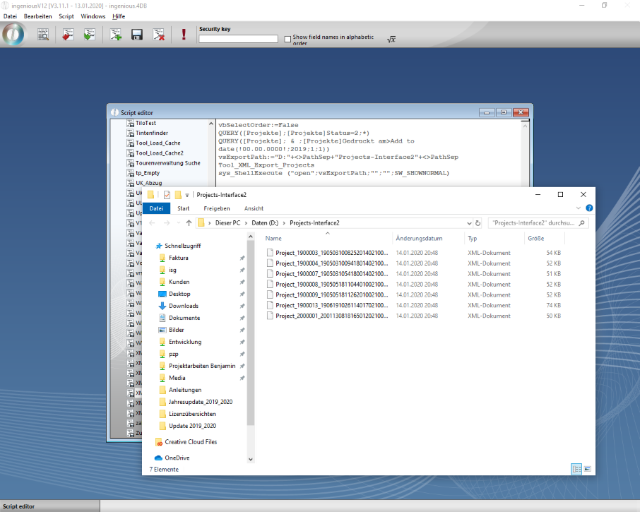
Exported records
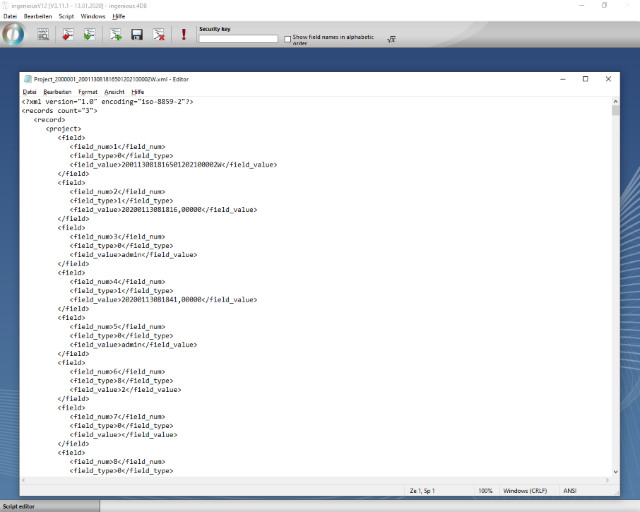
XML of an exported data record
Import
The project data records are imported via the API Tool_XML_Import_Projects. The following optional variables are available:
| vsImportPath |
| ||||
| vsImportDonePath |
|
| Script for importing projects |
Copy Code |
|---|---|
vsImportPath:="D:"+<>PathSep+"Projects-Interface"+<>PathSep vsImportDonePath:="D:"+<>PathSep+"Projects-Interface"+<>PathSep+"Imported"+<>PathSep Tool_XML_Import_Projects | |
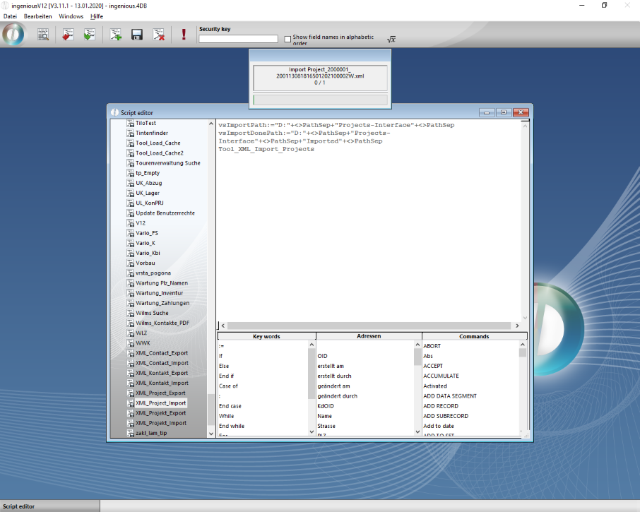
Import of project data record